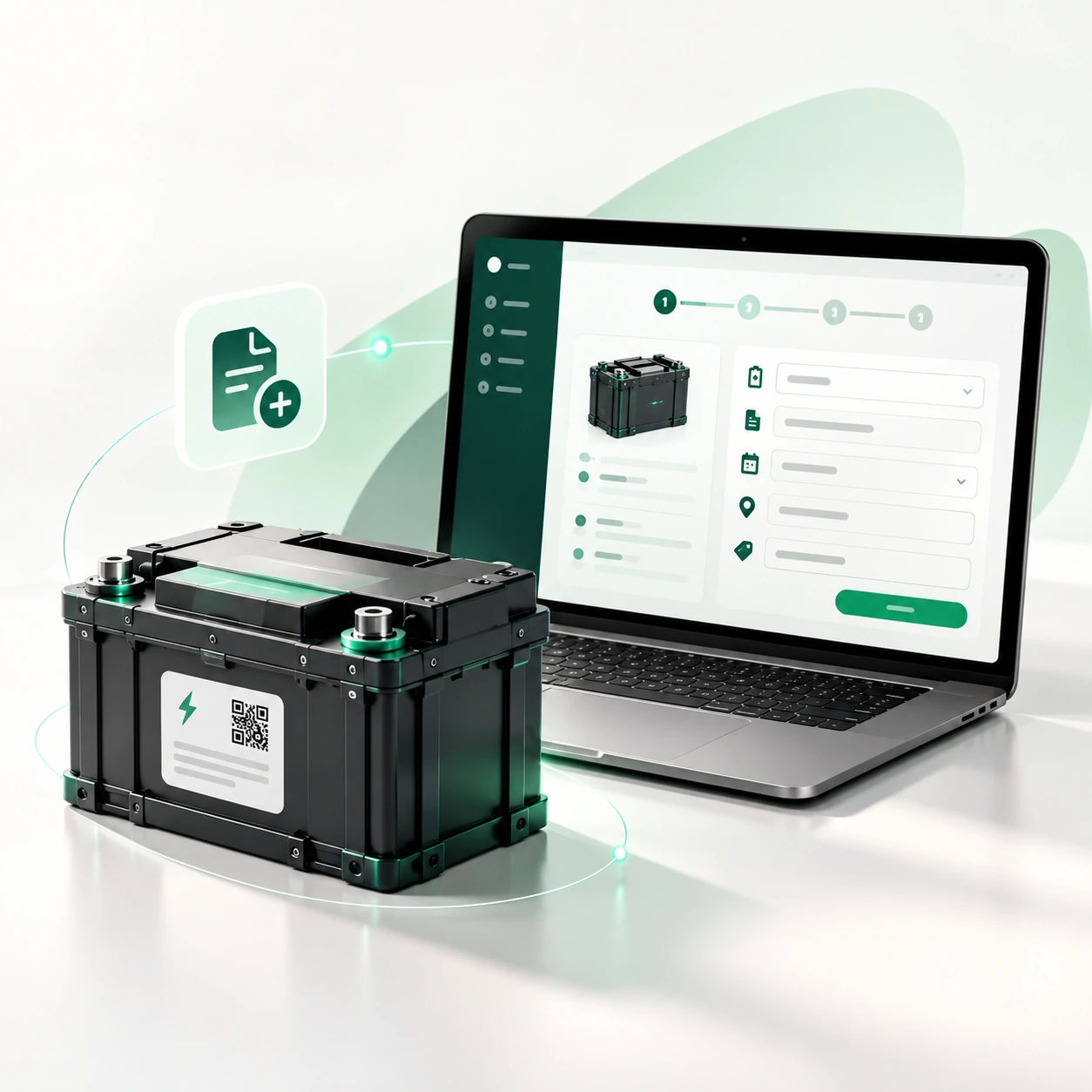
01
Create a battery record
Register the make, model and relevant battery details.
From registering a battery to accessing its information in the field: four simple steps.
Register the make, model and relevant battery details.
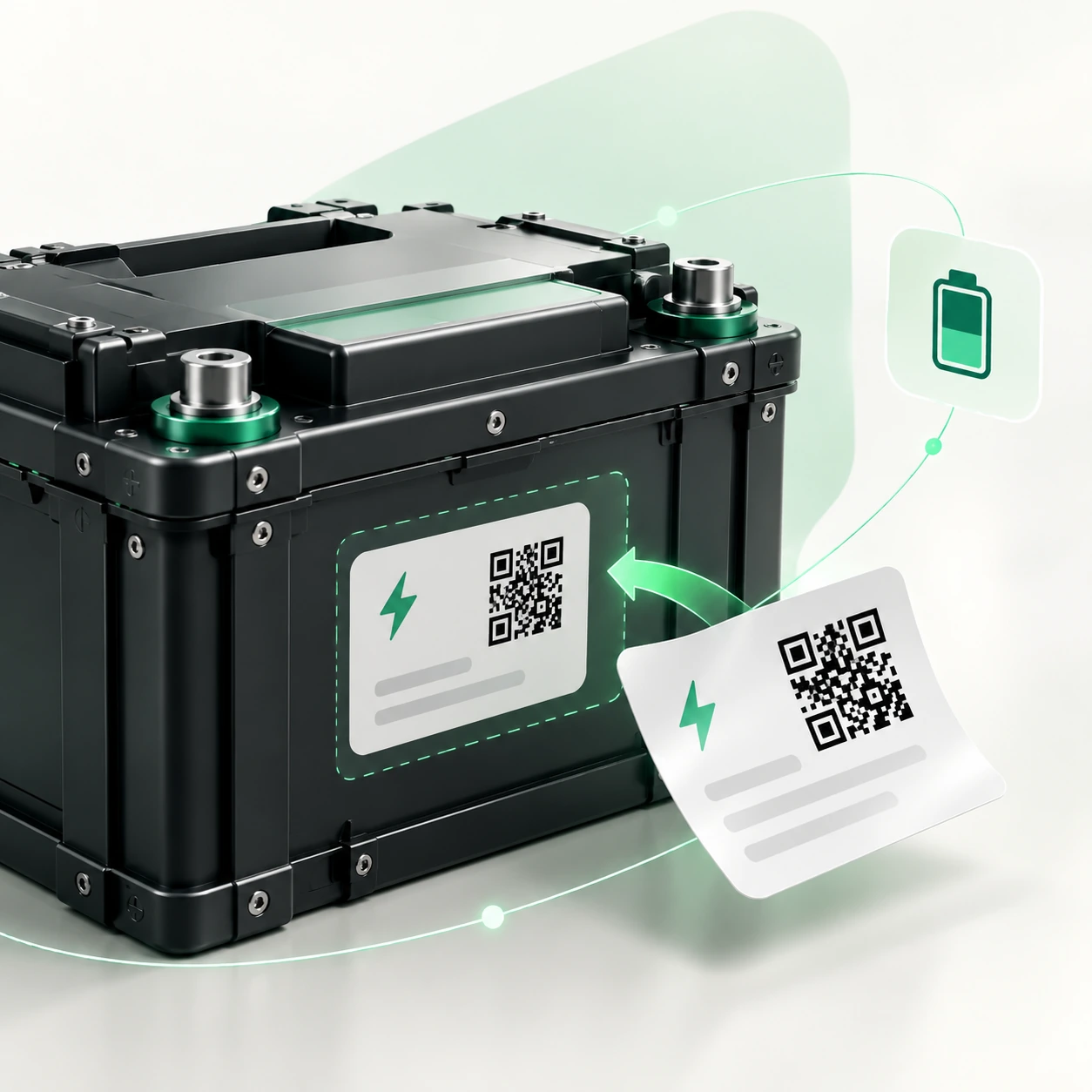
Attach its unique QR label to the physical battery.
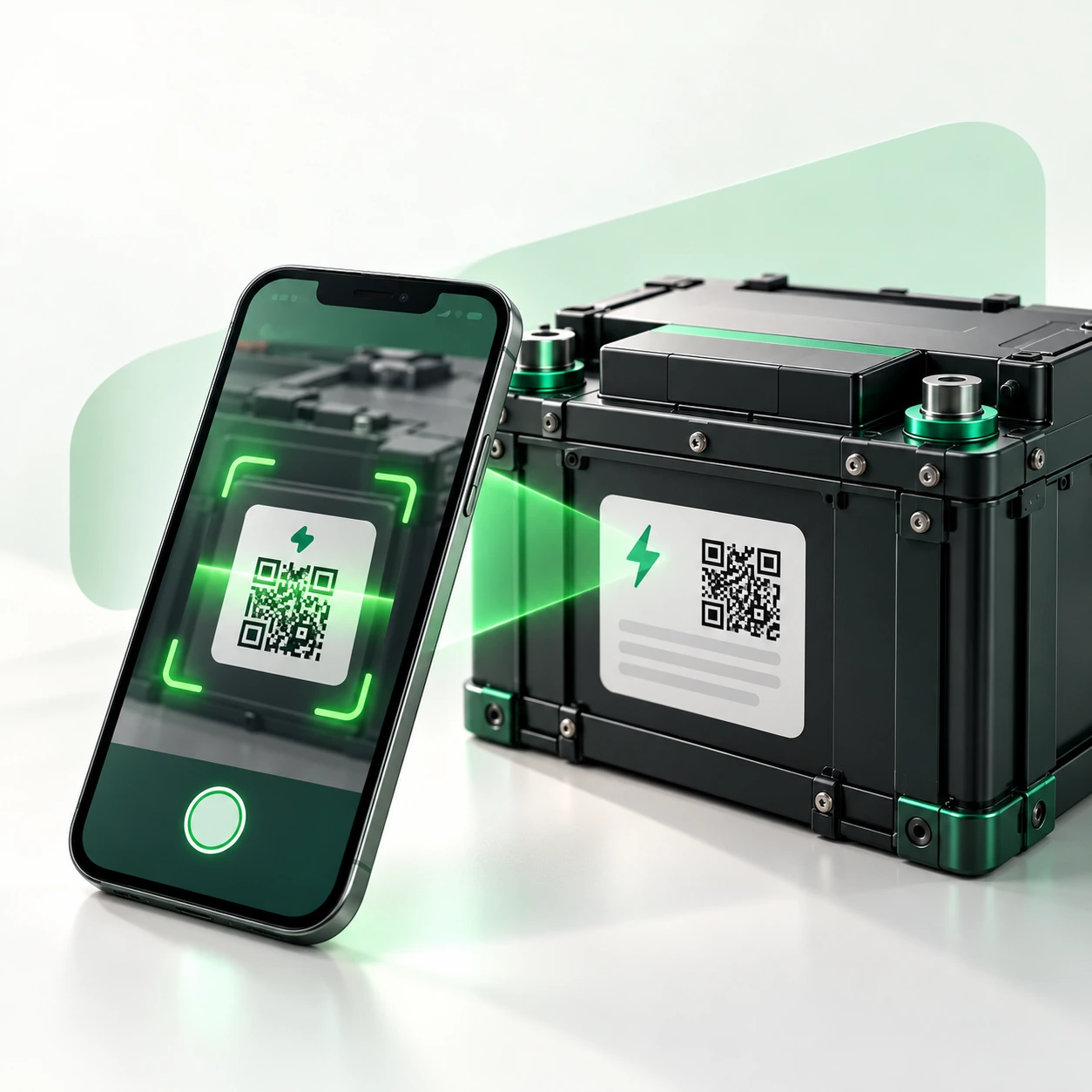
Scan with a phone or suitable scanner.
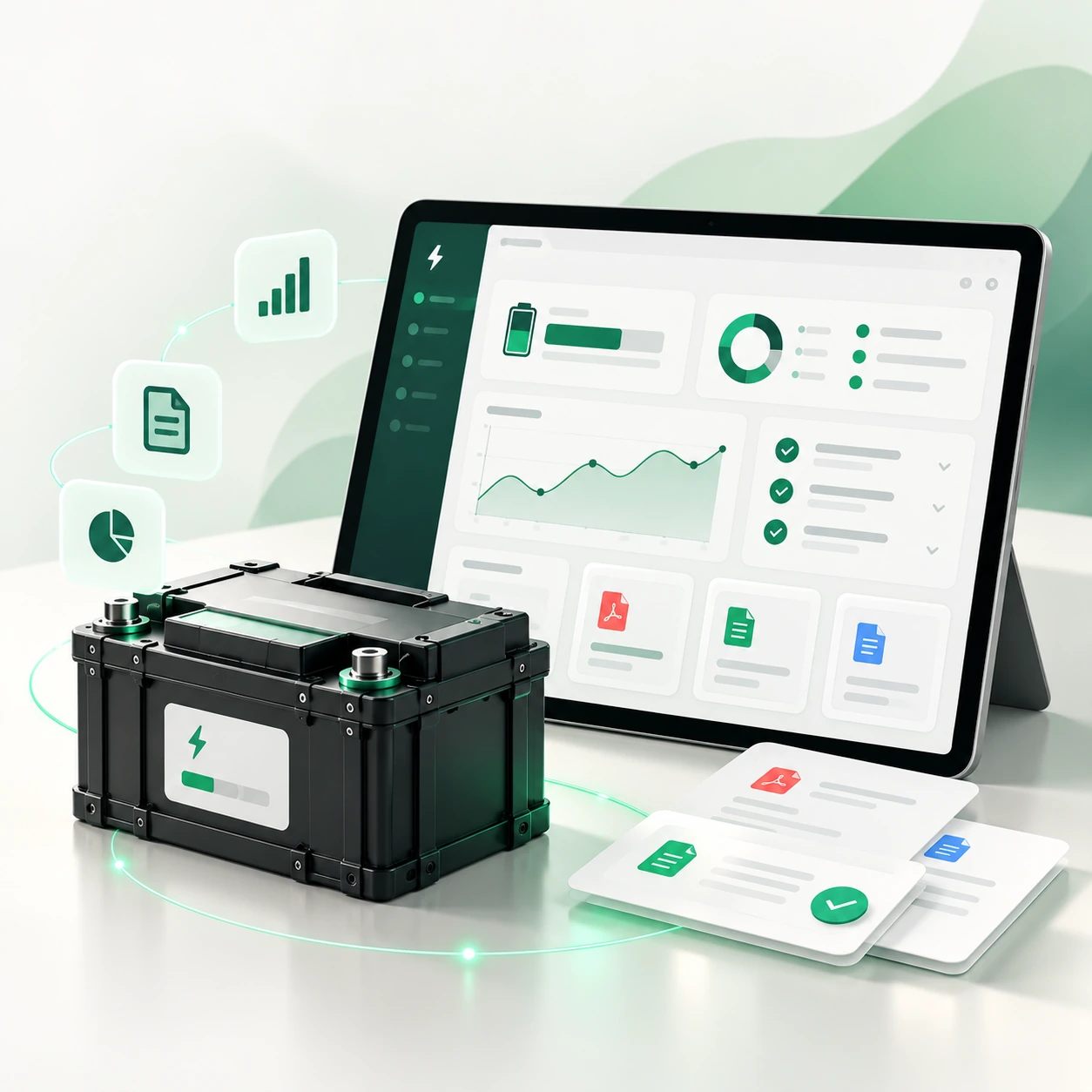
View the information your access rights permit.
Schematic illustrations with fictional example data; not a real customer interface or evidence of EU certification.
Record technical specifications, serial numbers and linked machinery. Scan a label to open the right record with appropriate access controls. Keep maintenance, documents and the history of each battery together.